Home /Wired Mechanical Keyboard with Lighting for Gaming Office Windows iOS Systems













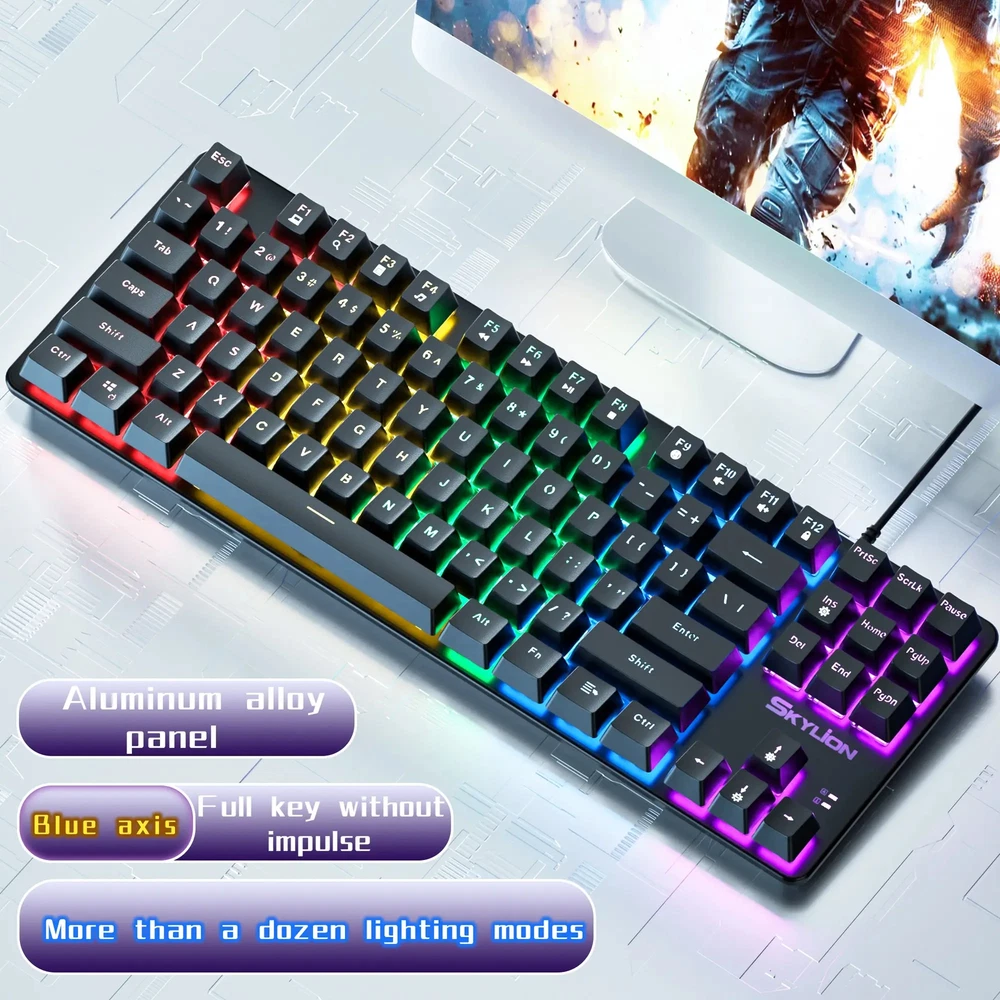
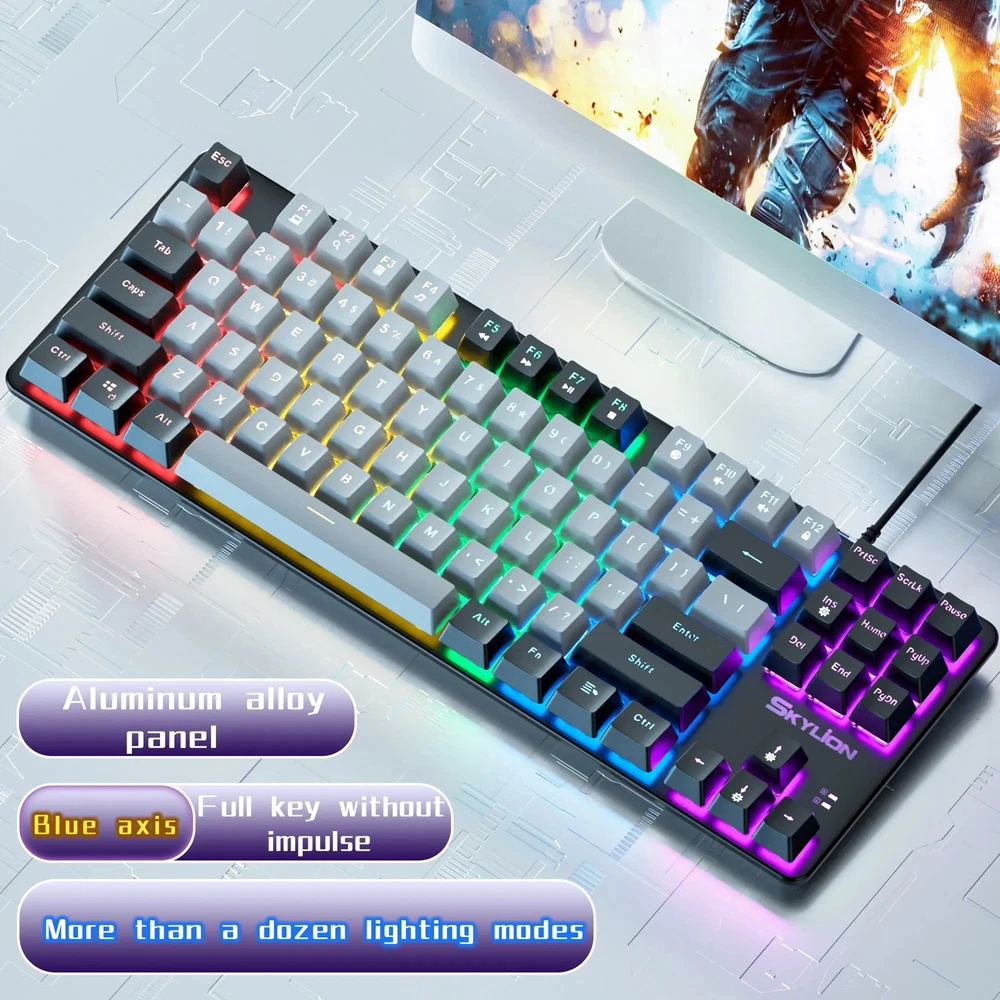
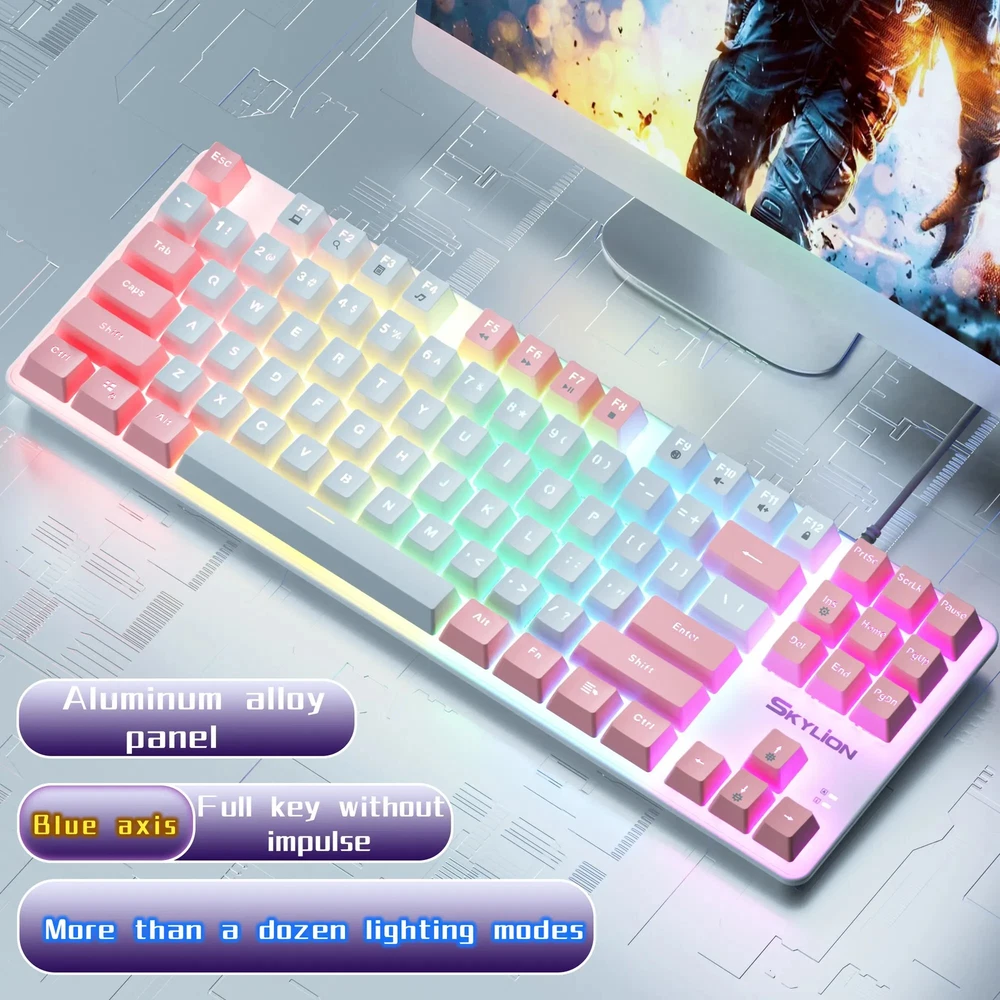
Wired Mechanical Keyboard with Lighting for Gaming Office Windows iOS Systems
(9)
$22.55
Availability:
SKU: 434253778519
Specifications
Interface Type:USB
Type:WIRED
Switches Hot swap:YES
Keycup material:ABS plastic
Style:Standard
Full Size keyboard:No
Wrist Support:No
Keyboard Standard:87 Keys
Backlight Type:MULTICOLOR
Brand:Unbranded
Application:Desktop,Laptop,Tablet
Language:English
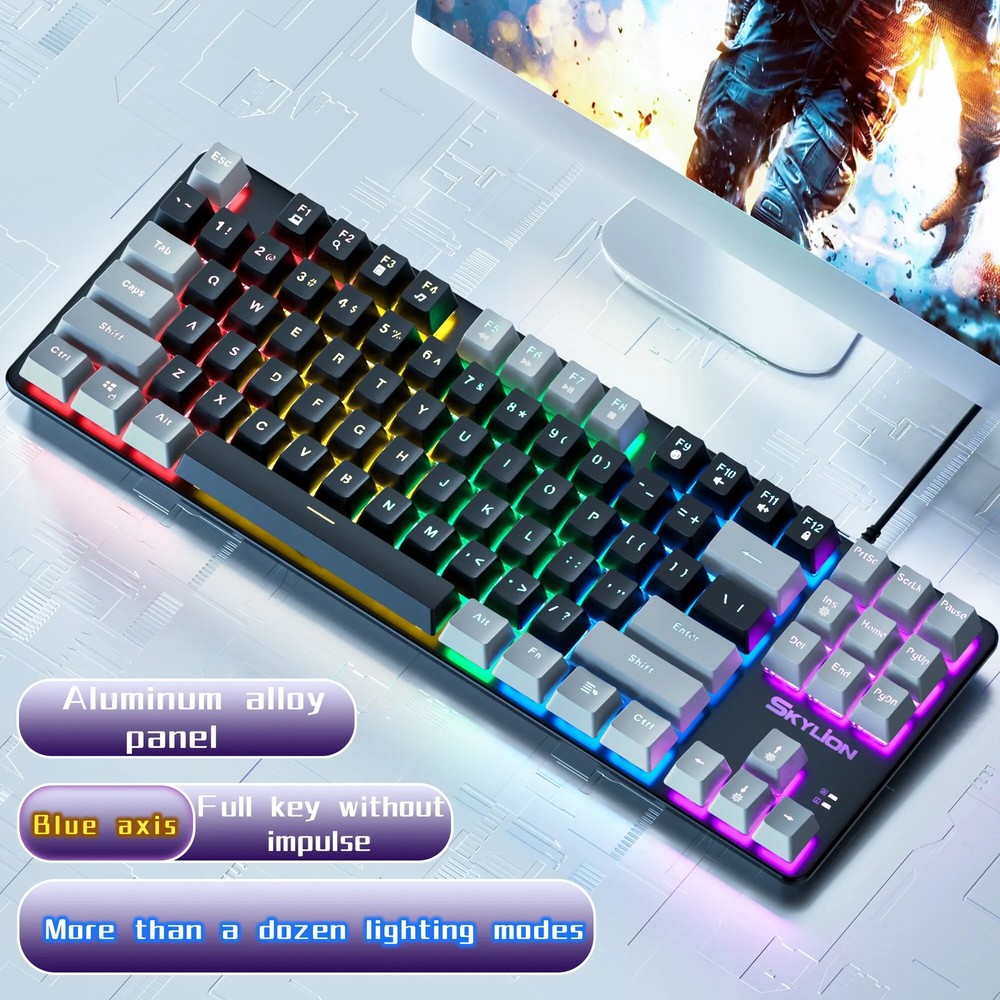
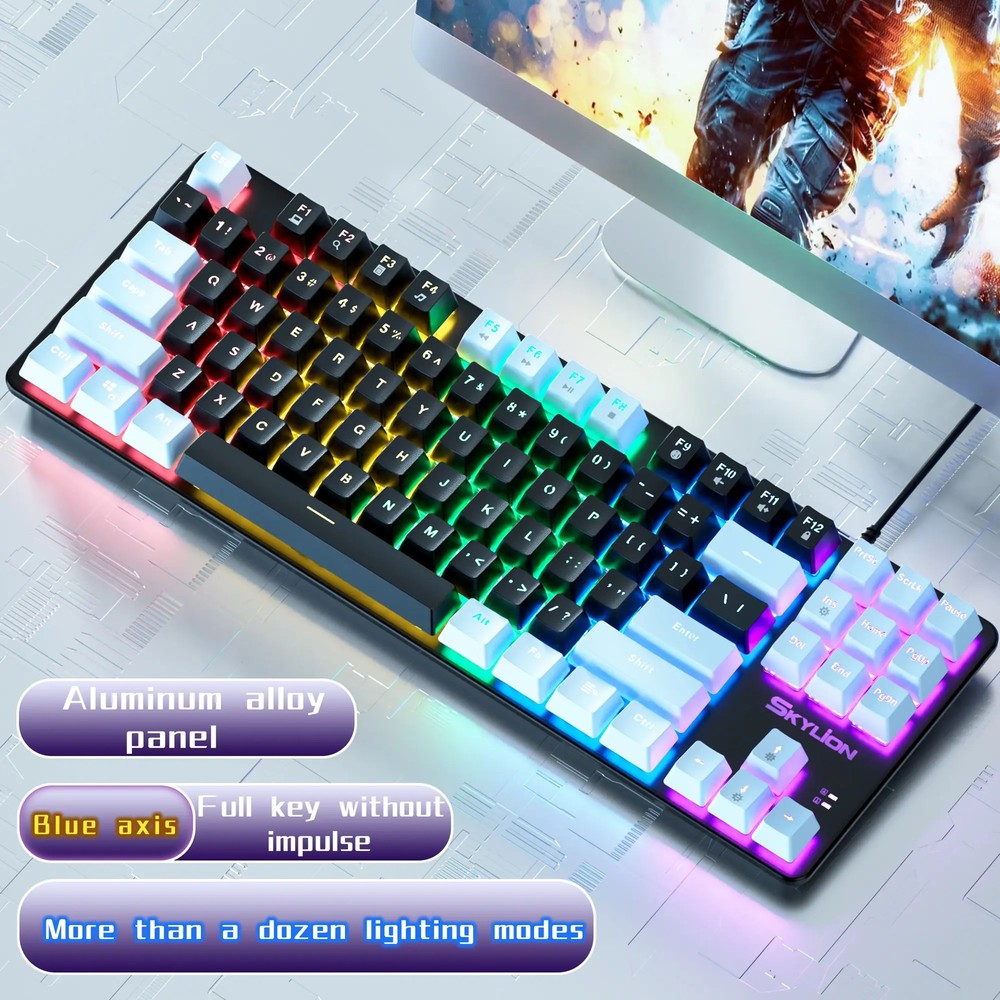
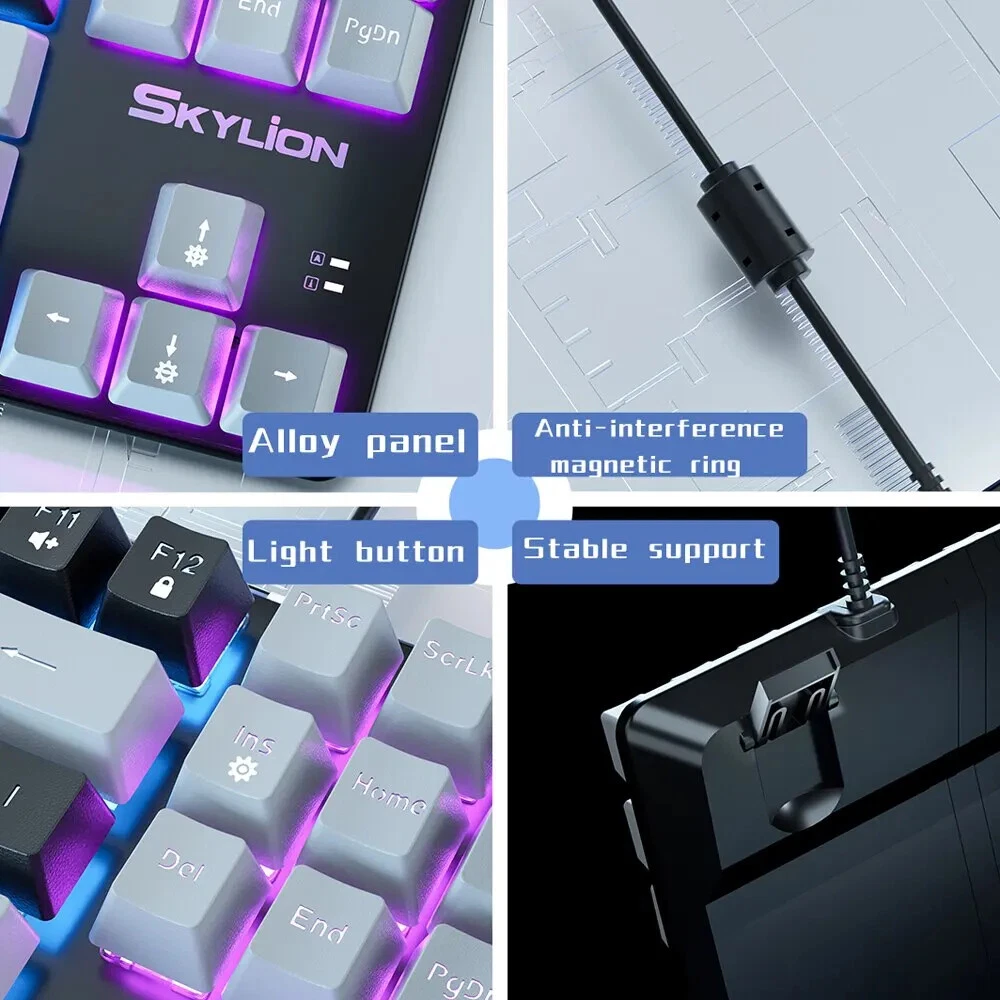
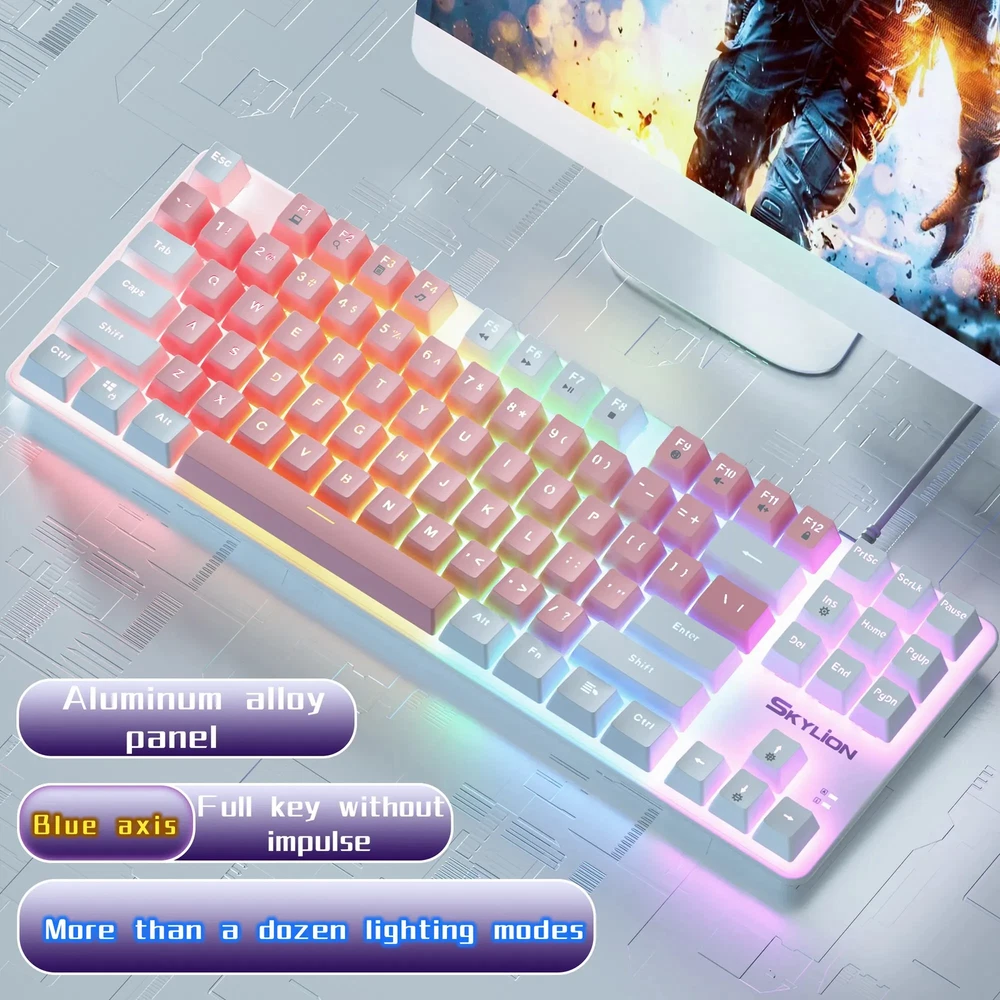
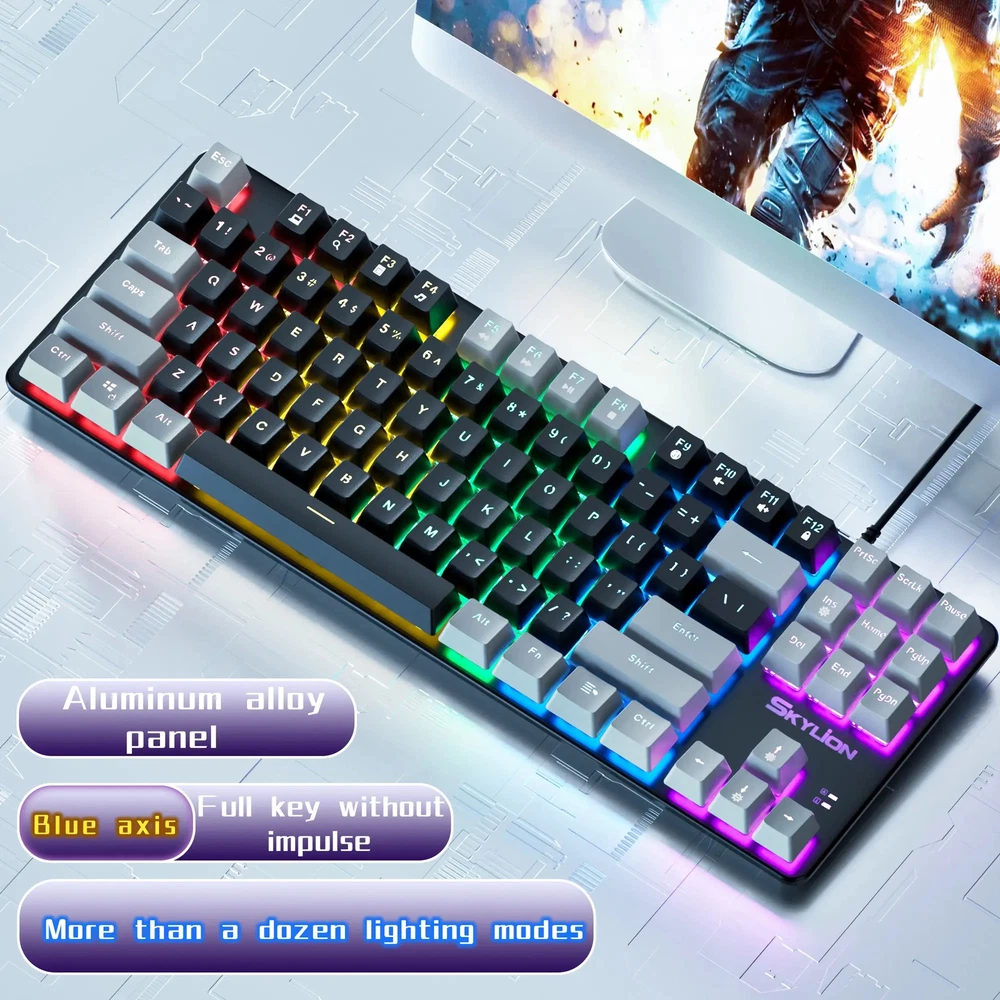
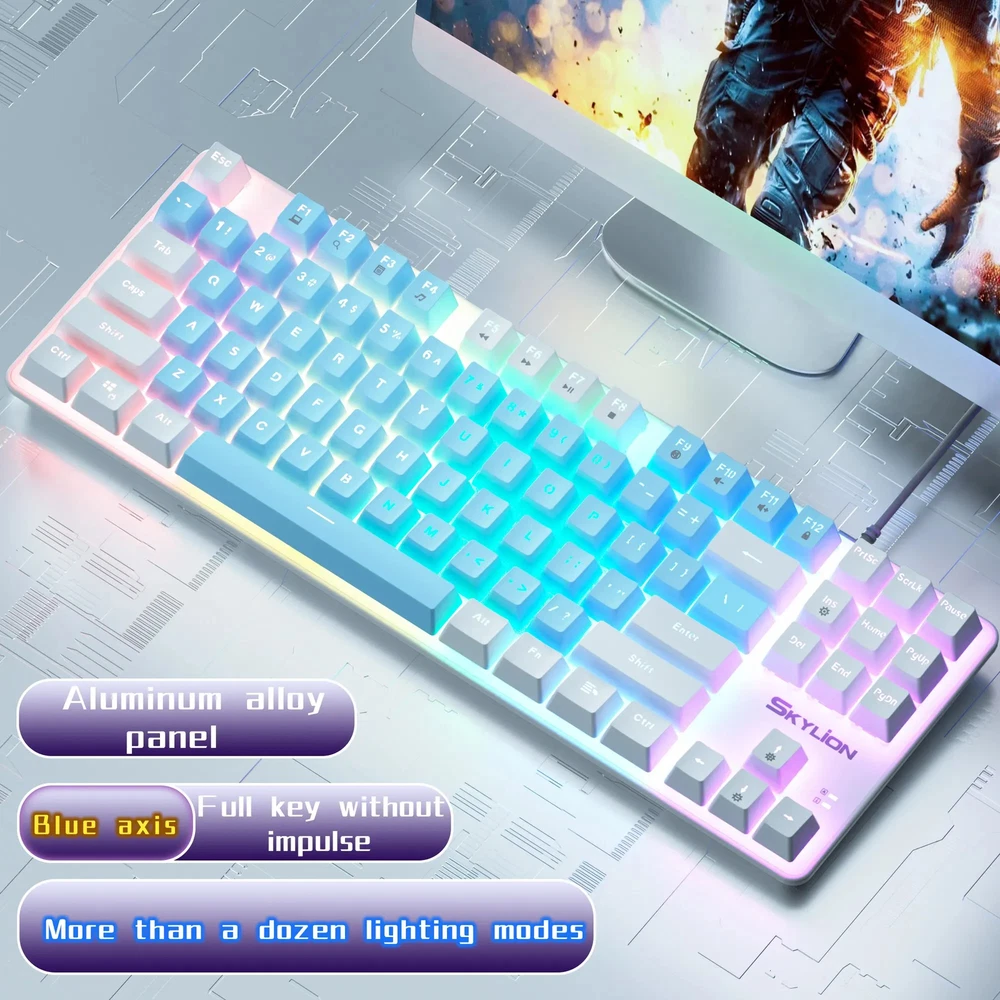
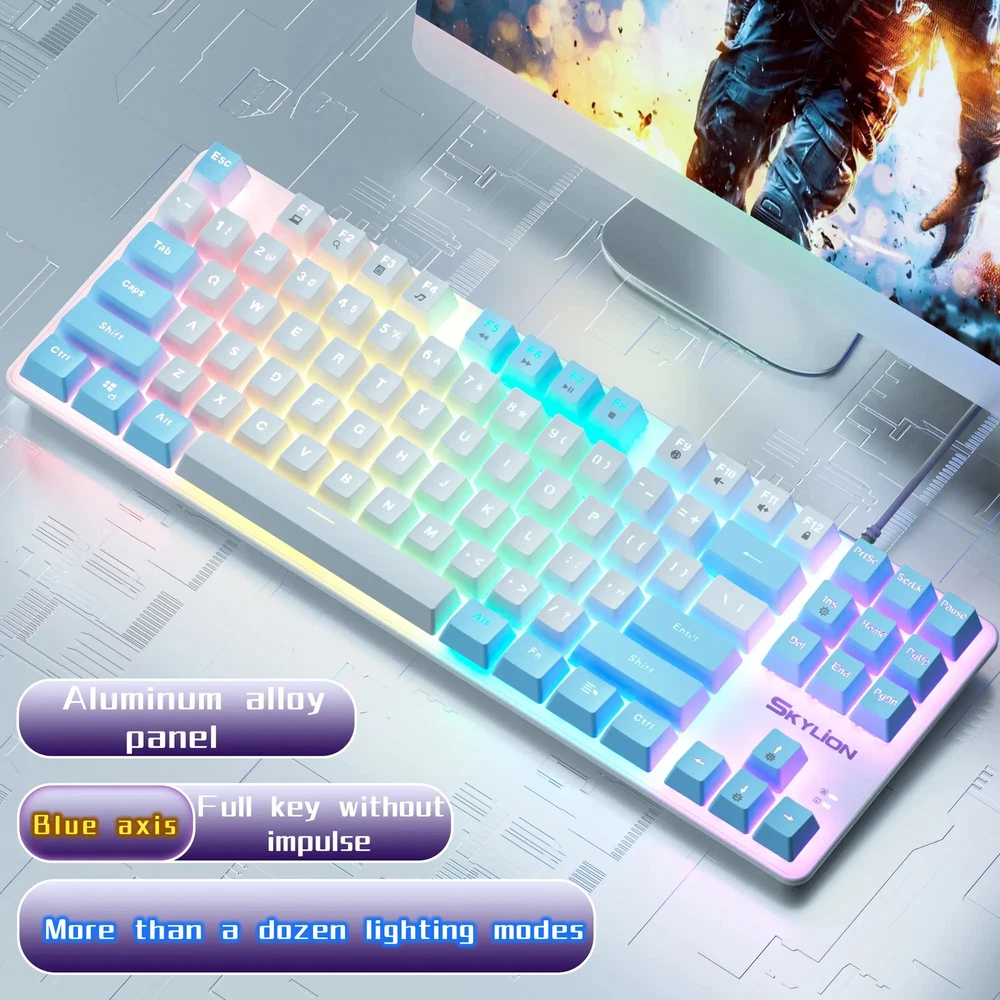
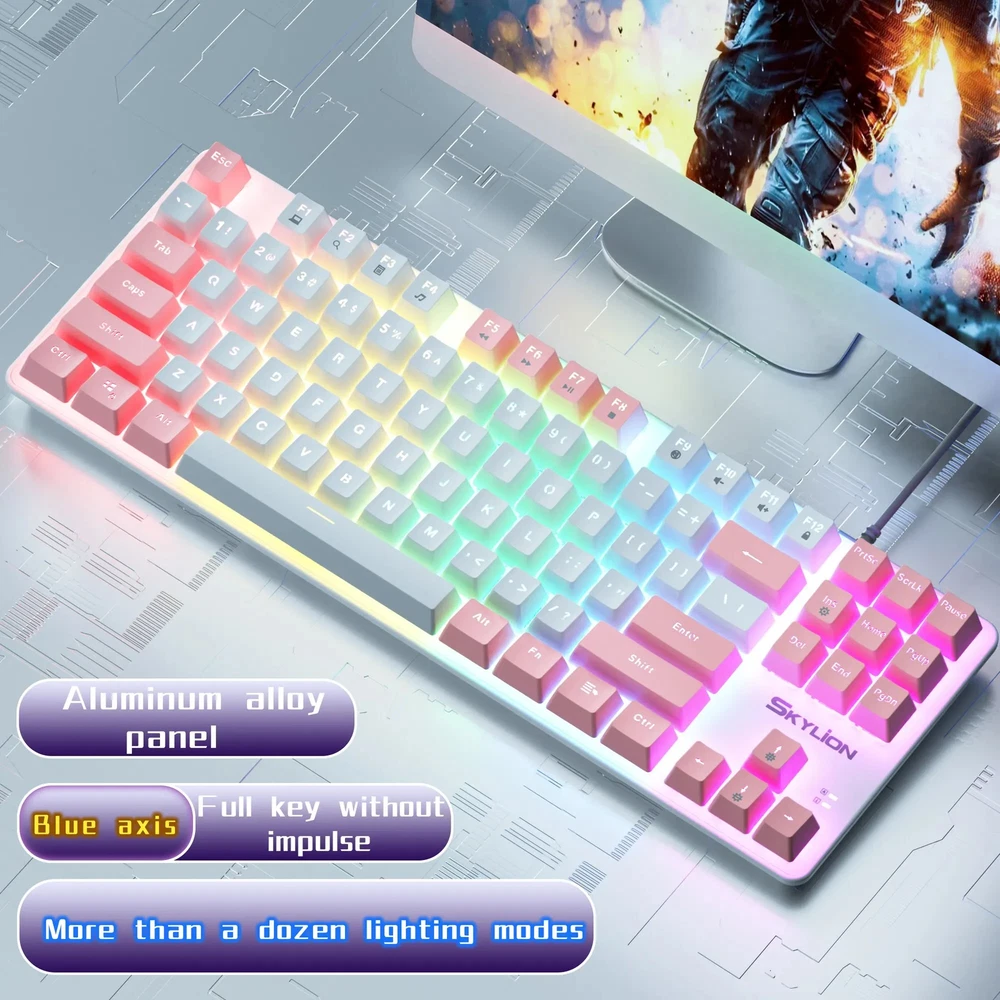
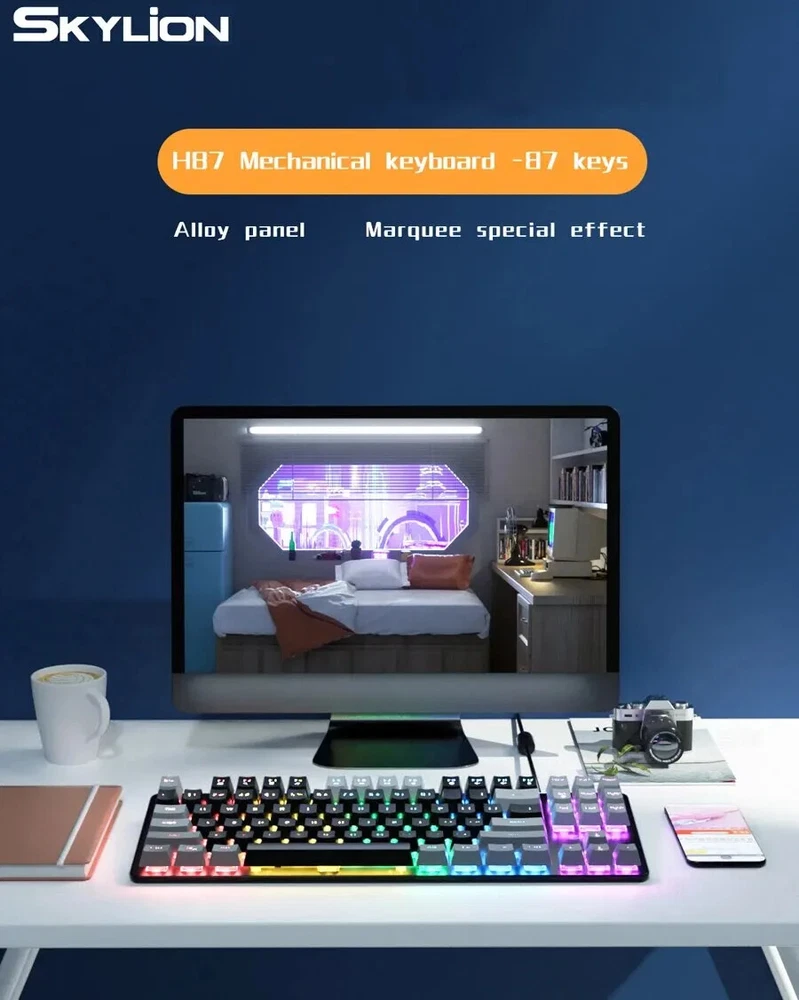
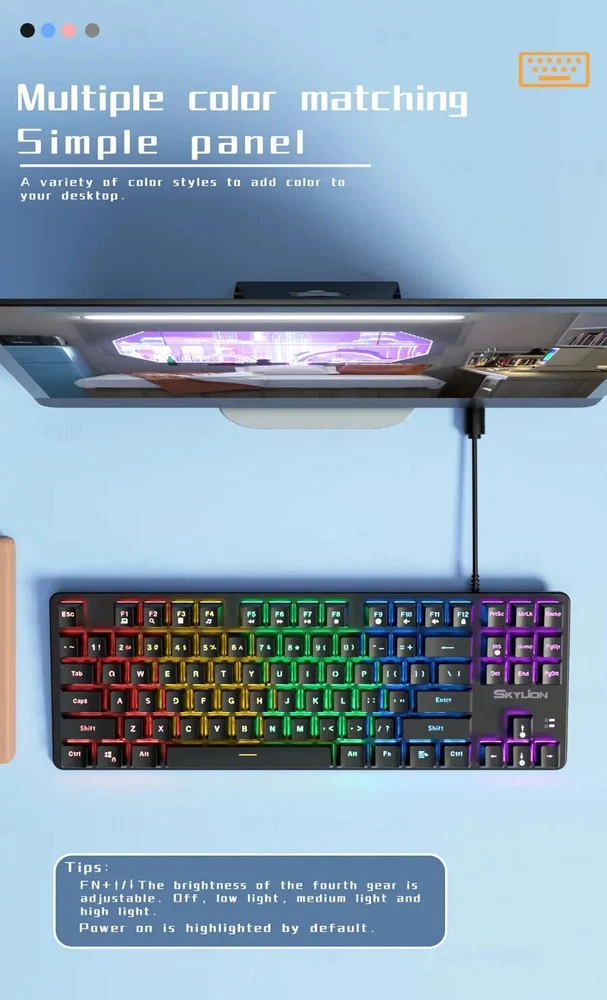
• Multicolor Backlight: The keyboard features a multicolor backlight that adds a touch of style to your gaming or office setup. • Mechanical Operation: The mechanical operation of the keyboard ensures a responsive and accurate typing experience. • 87 Key Standard: The keyboard features an 87 key standard, providing ample space for typing and gaming. • Multicolor Backlight: The keyboard features a multicolor backlight that adds a touch of style to your gaming or office setup. • Mechanical Operation: The mechanical operation of the keyboard ensures a responsive and accurate typing experience. • 87 Keys: With 87 keys, the keyboard provides ample space for typing and gaming without compromising on functionality. Product Information One: This is a 87-key mechanical keyboard with wired USB interface, real mechanical shaft body Two: two-color injection molding key cap, never fade. Three: The keyboard has 10 lighting modes that can be switched. Four: Prevent splashing water, not afraid of water stains. Instructions: 1. Unpack the product, remove the ribbon of the keyboard cable, and insert the cable into the USB port of the computer 2. When using this keyboard for the first time, the system may need to install USB driver. At this time, the computer will automatically search for and install the keyboard driver 3. After the driver is installed, the keyboard can work normally 4. Press the light key on the keyboard to switch and switch the backlight Notice 1. Wash your hands before using the keyboard to prevent sweat and bacteria from contaminating the keyboard. Washing hands after use can prevent contamination by bacteria on the keyboard. 2. The keyboard should be placed on a smooth desktop to avoid falling and soiling the keyboard. 3. Before using the keyboard, be sure to carefully check the instructions of the keyboard and operate according to the requirements and specifications in the instructions. 4. Other items should not be shelved on the keyboard to avoid damaging or soiling the keys. 5. When cleaning the keyboard, do not wash it directly with water. For non-waterproof keyboard, it may become invalid after washing. 6. Don't vent your emotions on the keyboard. The most common thing is to pat the keyboard hard when it crashes. On the one hand, it will reduce the service life of the keyboard; On the other hand, it will pat the sweat stains and dandruff in your hands on the keyboard.
You May Also Like